Eunorau Display Manuals & Compatibility Guide
Overview
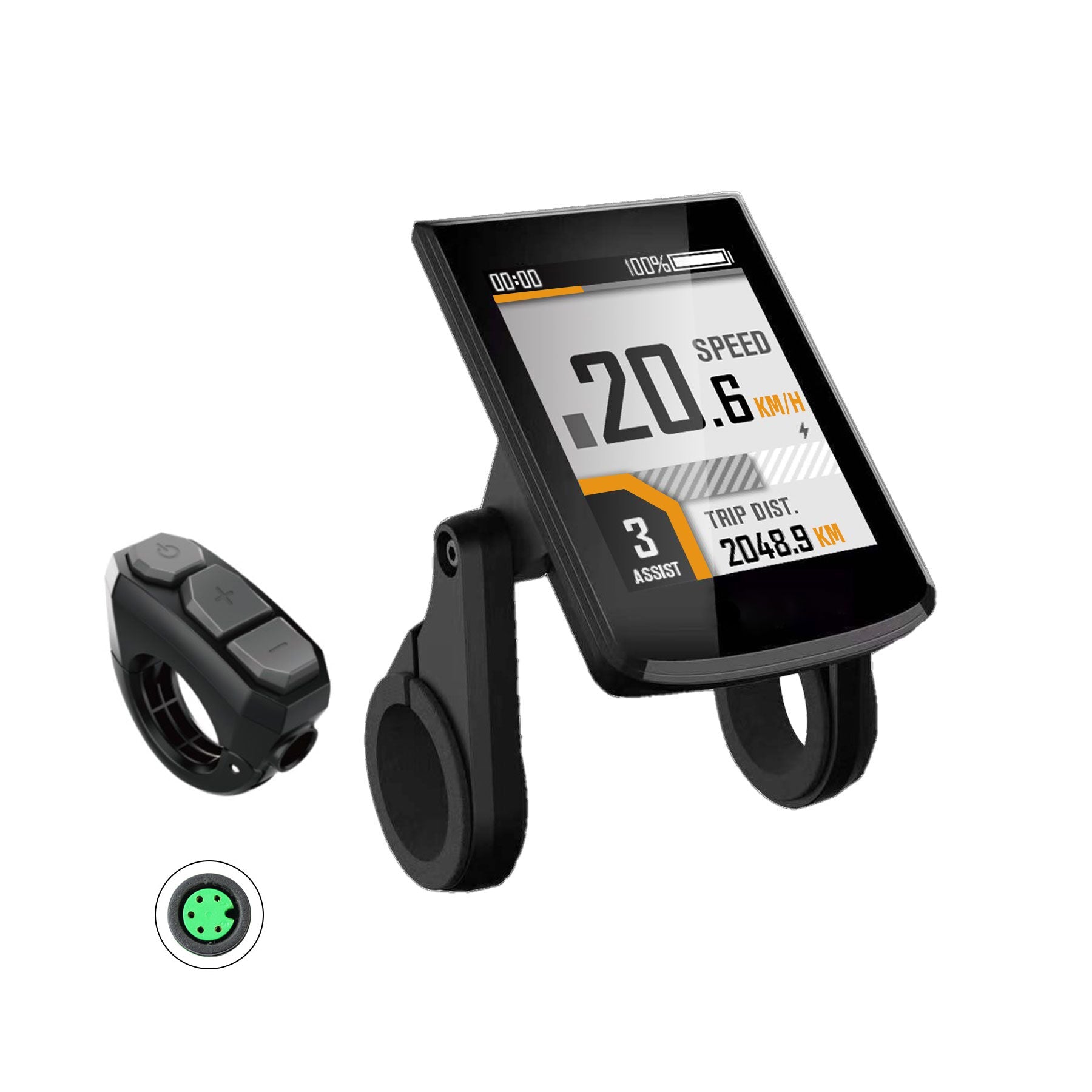
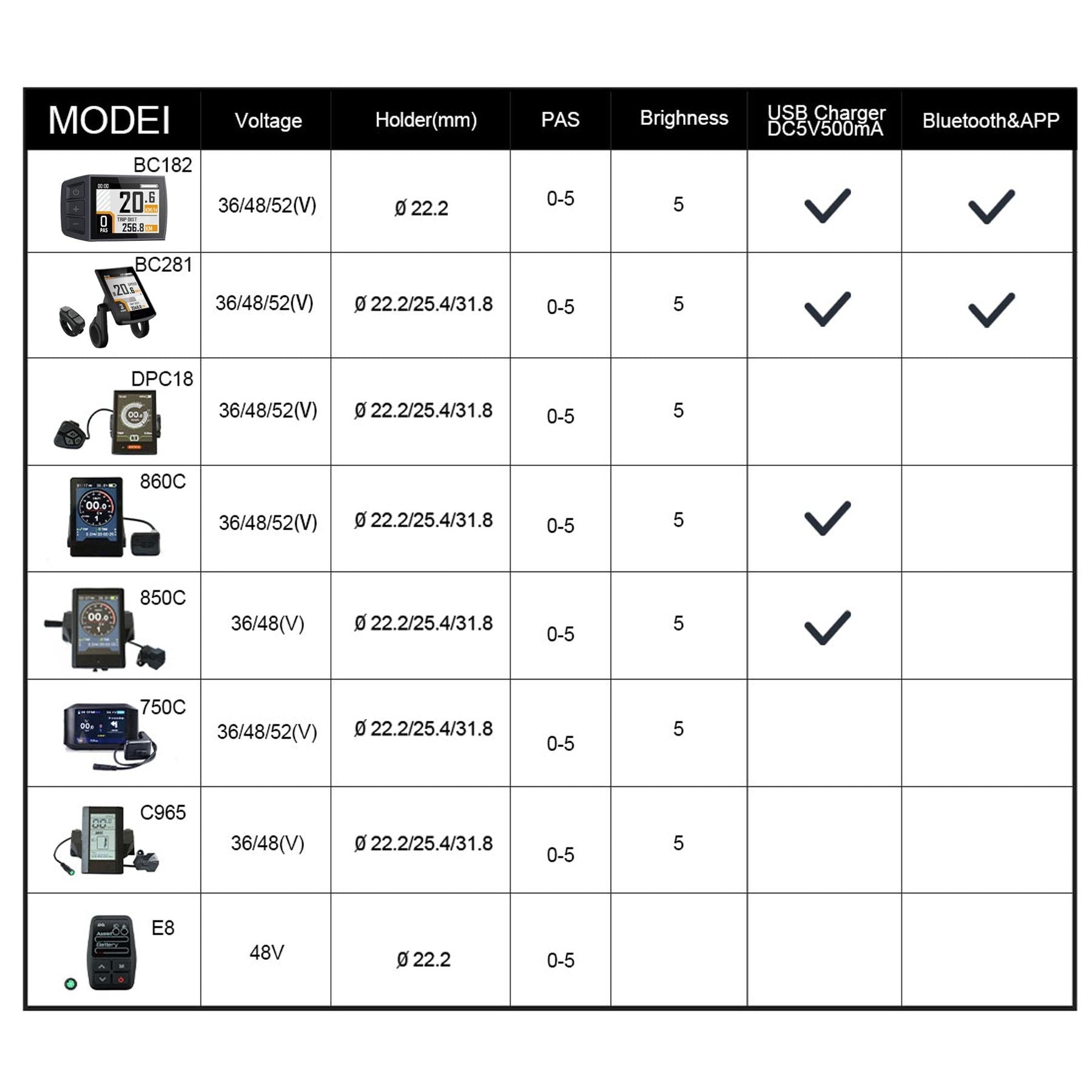
Find the downloadable display manuals and quick compatibility notes for Eunorau/Bafang displays. Most Eunorau displays (all except the E8) are compatible with Eunorau e-bikes, with specific model exclusions and a special note for BC281 52V units. View or download the manuals here: Display Manuals List.
Benefits
- Save time by accessing the right manual immediately — no guessing which display settings apply.
- Avoid ordering the wrong display or voltage version by checking compatibility and the BC281 voltage requirement up front.
- Prevent installation headaches by verifying connector compatibility before you buy.
- Get faster troubleshooting and setup because you’ll have clear, model-specific instructions on hand.
Features
- Direct link to the official display manuals for download.
- Compatibility listing that covers most Eunorau displays (E8 excluded).
- Clear exclusion list for specific bike models that use CAN-protocol systems.
- Voltage-specific handling: BC281 displays can be provided as 52V and will be pre-programmed on request.
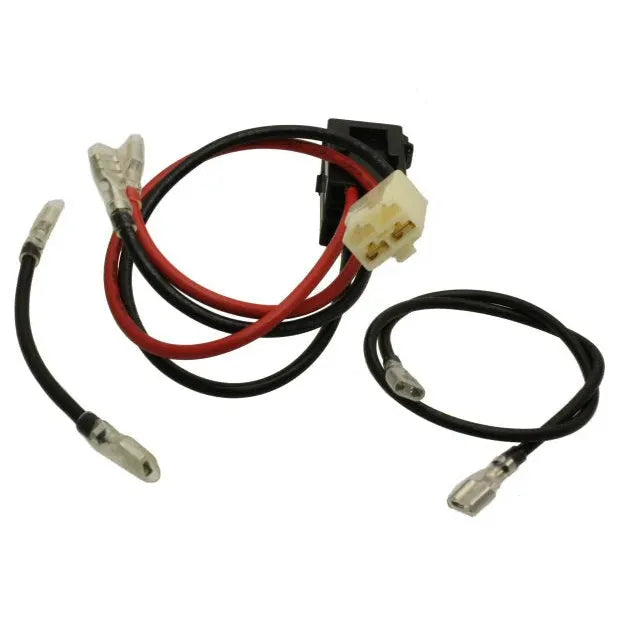
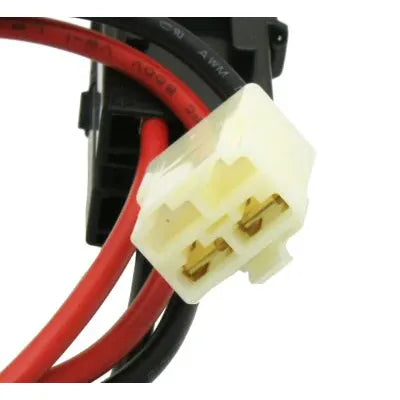
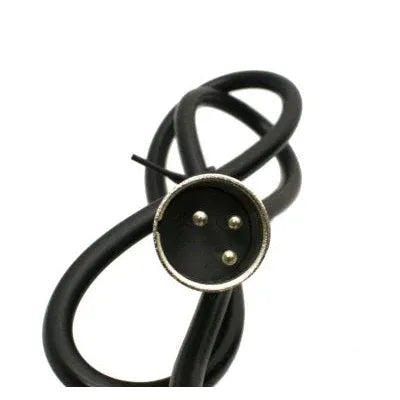
- Connector-compatibility warning with an example image to help you identify incompatible displays.
Specifications
- Supported displays: All Eunorau displays except the E8 (consult manuals link for exact model names).
- Excluded bike models: URUS, G20-CARGO, E-FAT-MN, E-FAT-STEP, and SPECTER S/ST when using CAN protocol.
- BC281 note: Available in 52V version — if you order a BC281 rated 52V, include a note when ordering so it can be programmed before shipment.
- Connector check: If your display connector matches the example shown in the compatibility image, the displays linked in the manuals list are not compatible with your bike.
- Manuals link: https://eunorau-ebike.com/pages/download (opens in a new tab).